
New Aadhaar App: How to Update Your Mobile Number and Address – Step-by-Step Guide
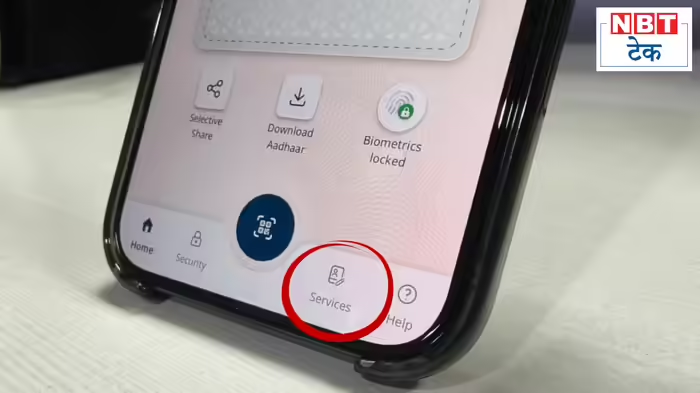
UIDAI recently released the full version of the Aadhaar app, bringing a refreshed look and changes to the placement of features and services. With this update, the steps to update your linked mobile number or address have also changed. Here’s a detailed guide on how to navigate the new app.
Registering on the New Aadhaar App
The registration process remains largely the same, even with the new design. If you are not yet a user:
Download the Aadhaar app from the Play Store or App Store.
Open the app and click “Continue to Register.”
Enter your Aadhaar number and accept the terms and conditions.
Click “Continue to Send SMS” to link your mobile number.
Verify your mobile number using the OTP.
Proceed to Face Authentication and complete the verification.
Set a PIN fo...