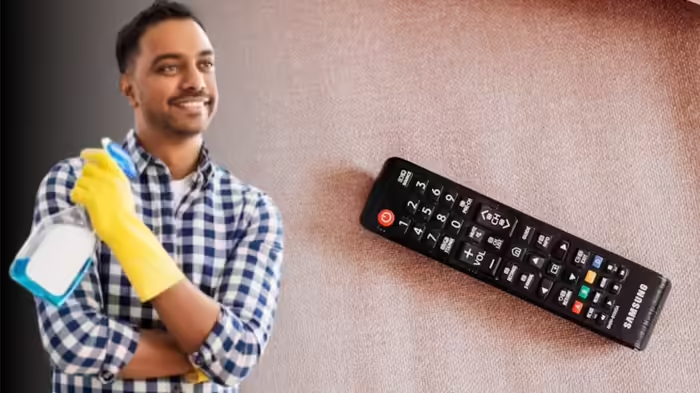
If your TV remote is responding only after pressing the buttons hard, or the buttons feel sticky and unresponsive, it may be time to clean it. Opening the remote and cleaning the internal keypad can restore it to like-new performance.
Step 1: Carefully Open the Remote
Most TV remotes have a screw at the back or under the battery cover. Remove it to open the remote. If no screw is visible, the remote may use plastic locks. In that case, gently pry the remote open from one edge. Handle with care to avoid damaging the device.
Step 2: Clean the Keypad from Behind
Once opened, separate the keypad from the remote body. Clean it thoroughly using water or a mild cleaner. For stubborn grime, a small amount of thinner can be used. Pay special attention to the black contact points on the back of the keypad, where grease and dirt often accumulate, causing unresponsive buttons. Make sure the keypad is completely dry before reassembling.
Step 3: Clean the Control Panel
The remote’s control panel, usually a green circuit plate, should also be cleaned. Avoid using water on it. Use a dry cloth or a small amount of thinner to wipe away dirt. Allow both keypad and control panel to dry fully before putting the remote back together.
Step 4: Avoid Using a Remote Cover
Using covers may trap moisture and oils from hands, leading to sticky buttons. For smooth and long-lasting operation, it’s better to avoid covers.
Following these simple steps can make your TV remote responsive again, saving you the cost of a replacement.
Discover more from SD NEWS agency
Subscribe to get the latest posts sent to your email.