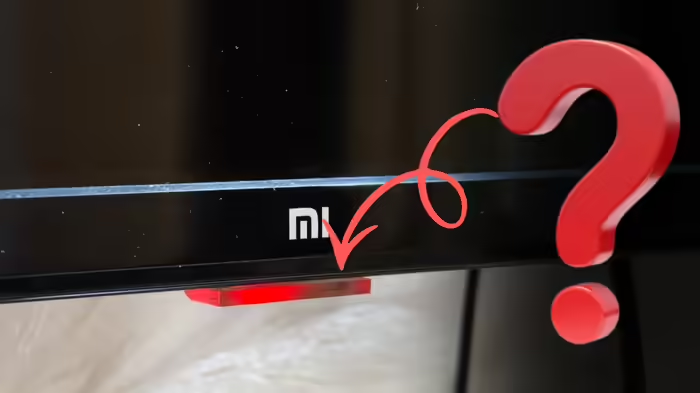
Have you noticed the power light on your smart TV blinking oddly? If so, it’s time to pay attention. The small red—or sometimes white—power indicator on your TV does more than just show whether the TV is on or off. Its blinking patterns and color changes can reveal a lot about the health of your television. Understanding these signals can help you maintain your TV better and even prevent costly repairs.
Why the Power Light Matters
The tiny power light indicates whether your TV is receiving power, but it also provides insights into the TV’s internal functions. Ignoring unusual blinking patterns can sometimes lead to bigger problems. Major TV manufacturers like Sony and Samsung have shared guidelines on what these indicators mean, making it essential for users to understand them.
Continuous Red Blinking
If the red power light keeps blinking continuously, it usually indicates an issue with the power supply or the internal board. According to LG and Samsung support forums, voltage fluctuations or the absence of a stabilizer at home can trigger this warning.
Rapid Blinking When Turning On
Sony’s official support states that if the power light blinks rapidly when switching on and the TV starts after a few seconds, it’s typically part of the startup process. However, if the blinking continues and the TV freezes, it could signal software or processor stress—often caused by multiple apps running in the background or pending software updates.
Power Light On but Screen Remains Black
Sometimes, the power light stays on while the screen remains completely black, and no sound is produced. iFixit notes that this usually points to an issue with the backlight or display panel. A simple test is to shine a torch on the screen—if you can faintly see an image, the backlight is at fault, not the panel. Catching this early can save a substantial repair cost.
Blinking in a Specific Pattern
Some TVs, like Sony models, use the power light to signal error codes through specific blinking patterns. If you notice sequences like eight blinks in a row or a repeated two-blink pattern, report it to the company. A technician can diagnose the problem early, preventing major expenses.
Color Changes in the Power Light
If the power light changes color even after turning off the TV, it usually means the TV hasn’t fully entered rest mode. This can occur during background updates, app syncs, or cache clearing. In such cases, wait for the light to return to normal or restart the TV. Unplugging the TV from the socket for a short period can also help prolong its life.
By paying attention to these small signals, you can monitor your smart TV’s health, troubleshoot issues early, and extend its lifespan significantly.
Discover more from SD NEWS agency
Subscribe to get the latest posts sent to your email.