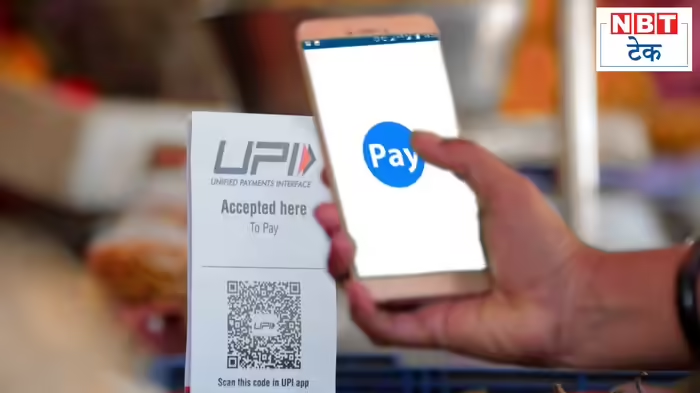
Do you often notice extra charges when making UPI payments for mobile recharges or bill payments? Some UPI apps levy a platform fee, adding a few extra rupees to your payment. The good news: you can easily avoid these charges.
1. Check the Final Amount Before Paying
Many users don’t notice that while recharging ₹100, their UPI app may charge ₹103 or ₹104. Always review the payment summary before confirming a transaction to ensure no extra charges are applied.
2. Pay Directly Through Official Apps
Platform fees are charged for using third-party UPI apps. The easiest way to avoid them is to pay directly via the service provider’s official app. For instance, recharge a Jio number via the MyJio app instead of a third-party UPI app. You may even receive discounts for using the official platform.
3. Explore Alternative UPI or Banking Apps
Some government-backed UPI apps, like BHIM UPI, do not charge platform fees and often provide cashback offers. Similarly, most banking apps allow recharges and bill payments without extra charges, eliminating the need for multiple UPI apps.
By following these simple steps, you can save money on mobile recharges and bill payments while avoiding unnecessary platform fees.
Discover more from SD NEWS agency
Subscribe to get the latest posts sent to your email.