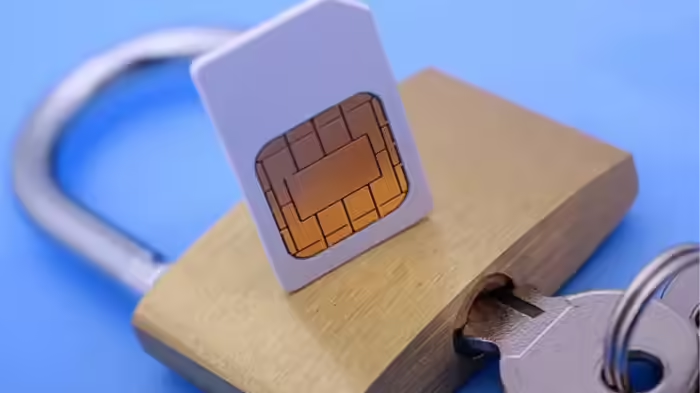
In today’s digital age, your SIM card has become the key to banking, UPI, emails, and social media. Losing control of your phone number can be extremely dangerous. SIM-swap fraud and duplicate SIM scams have become increasingly common, allowing fraudsters to gain access to your OTPs and empty your bank account effortlessly. Fortunately, there’s a simple solution: SIM lock. Here’s how it works and why it’s essential.
Why SIM Lock Is Necessary
A SIM lock acts as an extra layer of security. When enabled, no one can use your SIM without entering the correct PIN. This prevents fraudsters from porting your number or generating a duplicate SIM. Since most SIM-swap scams aim to gain control of your phone number, enabling SIM lock is a powerful safeguard against such fraud.
What Does SIM Lock Protect?
Locking your SIM doesn’t just protect your phone number—it secures your entire digital identity. Your OTPs, banking apps, UPI transactions, and social media accounts that rely on OTP verification (like WhatsApp) become safer. This drastically reduces the risk of financial fraud and unauthorized access to your personal accounts.
How to Enable SIM Lock
Setting up a SIM lock is simple:
- First, find your operator’s default SIM PIN—usually 0000 or 1234.
- On an Android phone, go to: Settings > Security & Privacy > SIM Lock.
- Turn on SIM PIN Lock and enter the default PIN.
- Set a new 4-digit PIN that is easy for you to remember but hard for others to guess.
What Happens Once SIM Lock Is Enabled?
Once your SIM lock is active, every time your phone restarts or your SIM is inserted into another device, the PIN must be entered before the network signal appears. Even if a thief steals your SIM, they cannot make calls, receive OTPs, or use your number in any way. This makes SIM lock a simple yet highly effective tool to protect your money, data, and digital identity.
Discover more from SD NEWS agency
Subscribe to get the latest posts sent to your email.