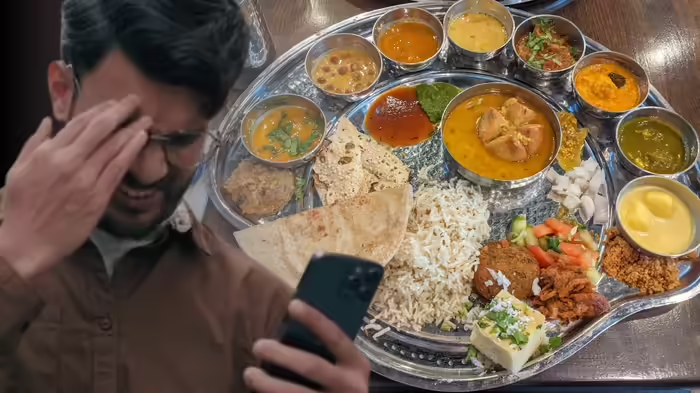
Eating out? Not sure if the restaurant you’re visiting is truly vegetarian or non-vegetarian? A simple check of the FSSAI license can give you the answer—and also confirm whether the outlet is using a genuine license. You can do this easily using your phone through the FoSCoS portal or the Food Safety Connect app.
Why Check the FSSAI License?
Checking a restaurant’s FSSAI license ensures that the outlet is registered with the Food Safety and Standards Authority of India (FSSAI). This not only confirms that the restaurant maintains hygiene and safety standards, but also helps you verify whether it is genuinely vegetarian or serves non-vegetarian items.
How to Check FSSAI License on Your Phone
- Open the official FSSAI portal: https://foscos.fssai.gov.in/
- Click on FBO Search.
- Enter the restaurant’s name, license number, state, and district.
- Check the license details: type, validity, and registered address. This will indicate if the outlet is vegetarian or non-vegetarian.
- Verify that the 14-digit FSSAI number on the restaurant’s menu, bill, or food delivery app matches the registered license.
Filing a Complaint
If you encounter a food outlet selling items without a valid FSSAI license or falsely claiming to be vegetarian, you can file a complaint via the FSSAI portal:
- Go to For Consumers → Food Consumer Grievance.
- Click Proceed with food-related grievance.
- Register yourself and log in.
- Submit your complaint and note the complaint number. You can track the status of your grievance using this number.
By checking the FSSAI license before ordering, you can eat with confidence, knowing that the restaurant complies with food safety standards and accurately represents its menu.
Discover more from SD NEWS agency
Subscribe to get the latest posts sent to your email.