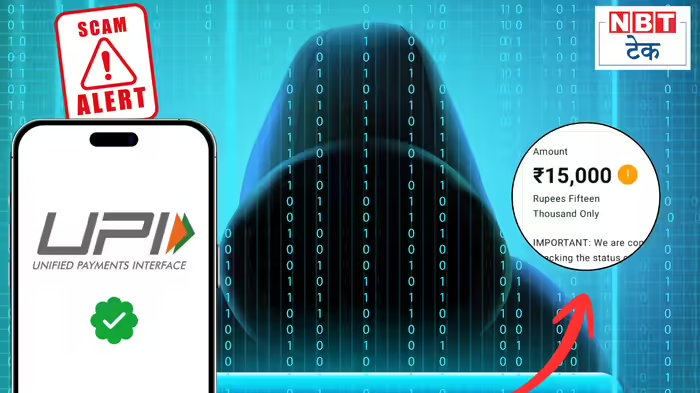
In a worrying development, some Punjab National Bank (PNB) customers have reported attempts to withdraw money from their UPI-linked accounts without their consent. The attempts are reportedly being made through UPI AutoPay, under the guise of personal loan repayments and insurance premium payments.
Several affected users contacted NBT Tech, sharing their experiences and screenshots showing the fraudulent activity. The victims claim they had not applied for any loans or insurance policies, yet their UPI accounts were targeted. Notably, the incidents involve UPI accounts linked specifically to PNB.
Fraud Attempt Foiled by Low Account Balance
Vikas Sharma shared the experience of his brother, stating that on February 3, a transaction attempt of ₹15,000 was made via Paytm under the name ‘ABFL Personal Loan’, even though his brother had not taken any loan. Fortunately, the account had only ₹7,000, preventing the money from being withdrawn.
Vikas added that his brother is now hesitant to deposit funds into the account, fearing that any deposit could trigger the AutoPay and result in fraudulent withdrawals.
Insurance Premium Fraud Attempt
Another user, Varun Kumar, reported a similar attempt. Screenshots showed that a ‘Paytm Insurance Premium Payment’ was triggered through UPI AutoPay, despite Varun not holding any such insurance. Both Vikas’ brother and Varun had their UPI accounts linked to PNB, highlighting a potential targeting pattern.
Role of Priority Mode
In both cases, the UPI apps had ‘Priority Mode’ enabled, which accelerates transactions over standard payments. Thankfully, both accounts had insufficient funds, preventing the fraudulent transactions from succeeding.
How to Protect Yourself: Disable UPI AutoPay
Experts advise all UPI users, including those on Paytm, PhonePe, or Google Pay, to review and disable unnecessary AutoPay settings:
Steps to turn off UPI AutoPay in Paytm:
- Open the Paytm app.
- Tap on your profile photo.
- Scroll down to find the ‘Automatic Payments’ option.
- Review which payments have UPI AutoPay enabled.
- For any unnecessary payments, click to view options and select ‘Pause Payment’ or ‘Cancel Payment’.
If fraudulent attempts persist after disabling AutoPay, users should immediately contact their bank and file a complaint with the Cyber Crime Cell.
Discover more from SD NEWS agency
Subscribe to get the latest posts sent to your email.