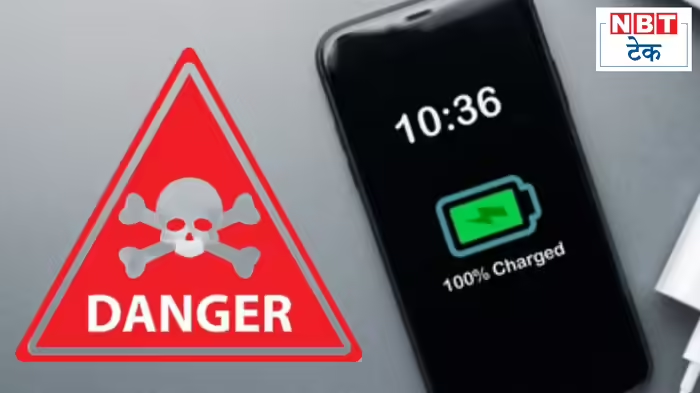
A common habit shared by millions of smartphone users — charging the phone to 100% and leaving it plugged in overnight — may be silently damaging device batteries. Technology experts warn that repeatedly keeping a smartphone fully charged puts stress on lithium-ion batteries, accelerating wear and shortening battery lifespan.
While modern phones include safety mechanisms to prevent overcharging, maintaining a constant 100% charge generates excess heat and chemical stress inside the battery, gradually reducing its long-term capacity.
Why 100% Charging Is Harmful
Most users plug in their phones before going to bed or keep them connected to power banks throughout the day. Although convenient, this habit forces the battery to stay at maximum voltage for long periods. High voltage levels increase internal heat, which weakens lithium-ion cells over time.
Experts recommend avoiding both extremes — fully draining the battery or keeping it fully charged — as both can degrade battery health.
Ideal Charging Range: 20% to 80%
Battery specialists suggest keeping a smartphone’s charge between 20% and 80% for optimal longevity. Charging only up to 80% reduces stress on the battery and helps preserve its health over several years.
Many new smartphones now include built-in charging limits that automatically stop charging at a preset percentage, making it easier for users to protect their devices.
How to Set a Charging Limit on iPhone
Recent iPhone models include Optimized Battery Charging and Charge Limit features:
- Open Settings
- Go to Battery
- Tap Charging
- Select a charge limit between 80% and 100%
When Optimized Battery Charging is enabled, the iPhone learns daily usage patterns and pauses charging at 80% until it predicts the user will need a full charge.
How to Enable Charging Protection on Android
On most Android devices:
- Open Settings
- Search for Battery or Battery and device care
- Look for options like Battery health, Protect battery, or Charging optimization
- Enable the feature and set a maximum charge percentage
Different brands may label the feature differently, but many Android manufacturers now include battery protection tools.
A Simple Habit That Extends Phone Life
Maintaining smart charging habits can significantly extend battery lifespan and overall device performance. Experts say users who regularly keep their phones within the 20–80% range may preserve battery capacity for years longer than those who constantly charge to full.
Discover more from SD NEWS agency
Subscribe to get the latest posts sent to your email.