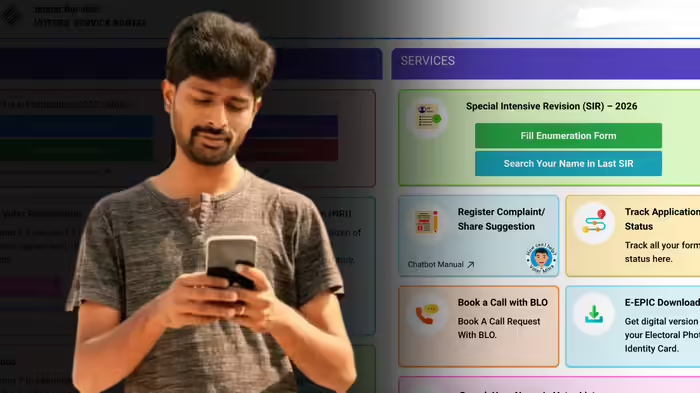
If you are facing difficulties filling your SIR (Systematic Information Registration) form or your Booth Level Officer (BLO) has not yet contacted you, you can easily find their name and mobile number by following a few simple online steps.
During the ongoing SIR process in 9 states and 3 union territories, the Election Commission is updating voter lists by removing duplicate or deceased entries. Citizens can fill the enumeration form either through door-to-door visits by BLOs or online. If you need clarification or assistance regarding your SIR form, knowing your BLO’s contact is essential.
How to Find Your BLO’s Name and Number
Follow these steps to get your BLO’s details:
- Visit the official Election Commission website: https://voters.eci.gov.in/.
- Navigate to the Services section and click on Fill Enumeration Form.
- Select your state from the list. Only states where the SIR process is active will appear.
- Enter your EPIC number, which is your unique voter ID number found on your voter card.
- Your BLO’s name and mobile number will be displayed, allowing you to contact them for any SIR-related queries.
Check If Your Form Is Submitted
This process also allows you to verify whether your SIR form has been submitted.
- If your BLO’s name and number are displayed, your form is not yet submitted. You can contact your BLO to check the status or submit the form online yourself.
- If your form is already submitted, the website will indicate: “Your SIR form has been submitted.” In this case, the BLO’s contact will not be shown, as no further follow-up is required.
Discover more from SD NEWS agency
Subscribe to get the latest posts sent to your email.