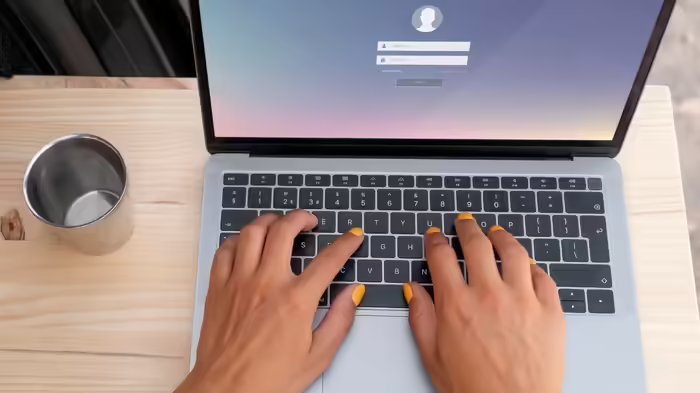
Windows 11 users are encountering a new problem that affects logging into their laptops and computers. After a recent update, the password login icon on the lock screen may not appear, although users can still log in by entering their password manually.
What’s Happening?
Microsoft has issued a warning to Windows 11 users about potential login difficulties. The issue emerged after the August 2025 KB5064081 non-security preview update or subsequent versions installed on Windows 11 24H2 and 25H2 systems. Post-update, the password icon disappears from the lock screen, causing confusion. However, the password login functionality itself remains intact.
How to Log In Despite the Bug
According to media reports, users can log in by placing the mouse cursor where the password icon normally appears. Doing so will reveal the password option, allowing users to enter their password and access their accounts as usual.
Who is Affected?
This issue mainly affects users who recently installed specific Windows 11 updates. Typically, the password icon appears only if other sign-in methods like PIN or fingerprint are not present. Due to this new bug, even if users have alternative login options, the password icon may still disappear.
Microsoft’s Official Guidance
Microsoft’s support documentation confirms that the password button is still available as a placeholder. Users can hover over the area with the cursor, click the placeholder, and enter their password to log in normally.
Past Update Issues
This is not the first time Windows 11 updates have caused user inconvenience. In September, the KB5064081 update led to problems with DRM-protected videos in Blu-ray, DVD, and digital TV apps, causing freezes or black screens.
Recent Fixes
Earlier in 2025, Microsoft also resolved other issues from the August updates, such as:
- Non-admin users unable to install apps
- Severe lag and stuttering in NDI streaming software on Windows 10 and 11
- Problems with reset and recovery features in Windows 10 and 10 Enterprise
These incidents highlight that Windows updates, while essential for security and performance, can sometimes create temporary issues. Microsoft continues to address these promptly to ensure smooth user experience.
Discover more from SD NEWS agency
Subscribe to get the latest posts sent to your email.